Introduction
WARNING This section describes how to use the system and must be read before it is put into operation.
Use of the system
1.1.1 Before first use For proper operation, ensure that the eBike system is fully connected and correctly assembled. Before first use, fully charge the battery using the active charger. For additional information on how to charge your eBike, refer to the relevant section of the manual. Also, before starting to ride, make sure that the […]
Switching the system on and off
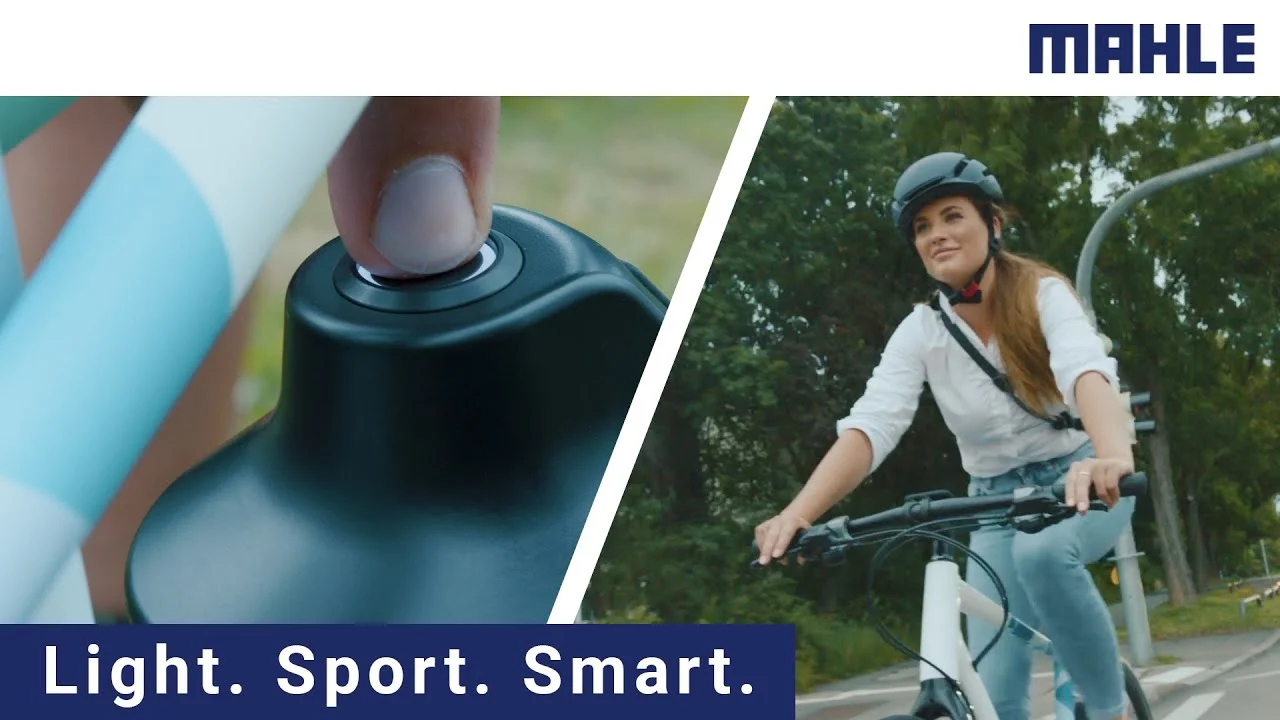
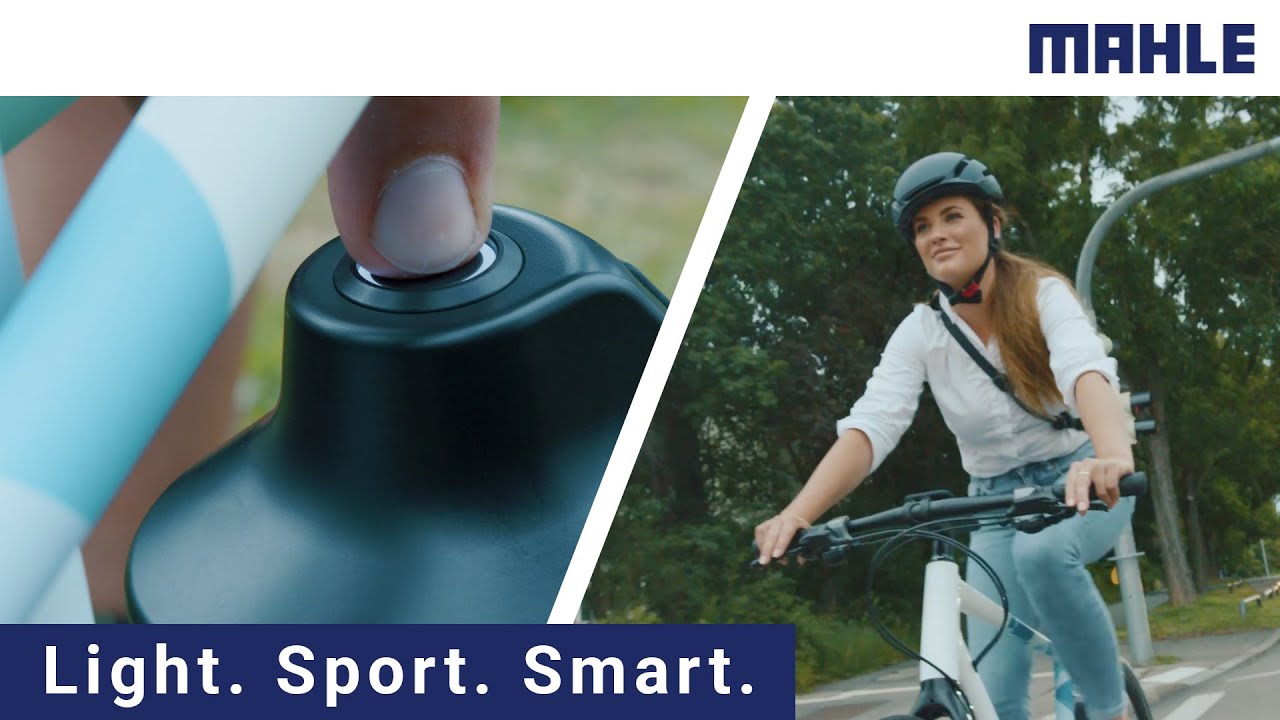
System start-up Press the button on the main control unit once to switch on the system. The display of the main control unit will turn on and show a welcome animation. If everything is correct, once the start-up process is complete, the system’s home screen will appear. System shutdown To switch off the system, simply […]
Connection with the MySmartbike Application
Download the MySmartbike application to guide you through this process.To activate pairing mode, with the eBike switched off, press and hold the central button for 5 seconds and the pairing screen will appear. When the connection process has been successfully completed, the following screen will appear. When the MySmartbike app disconnects from the system, the […]
Accessories and Controls
1.4.1 TRIO 1.4.1.1 Pairing Download the MySmartbike application to guide you through this process. This mode is specifically used for the first experience when connecting the Trio for the first time with the Head Unit+. To activate pairing mode, press and hold buttons 1 and 3 for about 5 seconds: The small LED indicator on […]
System Status
The system has three different operating states: Normal: everything is correct. The system displays the screens configured by the user through the MySmartbike app. Alert: an ALERT message appears in yellow on the screen. Although an event has occurred in the system, riding and assistance are not limited. Error: an ERROR message appears in red […]
Assistance levels
There are different motor assistance levels that vary in power, acceleration, and the assistance ratio offered to the eBike. These levels provide an appropriate user experience depending on the type of use. Depending on the three parameters mentioned above, the eBike may prioritize battery saving, maximum power, or acceleration.Assistance modes can be customized from the […]
Control Unit Information
1.7.1 Data ScreenOn the Head Unit+ screen we can view a series of data, some fixed and others configurable from the MySmartbike app: Field 1: shows the assistance level currently selected by the user. Field 2: shows whether the system lights are on (icon displayed) or off (empty). Field 3: shows that the MySmartbike app […]
Extended Assistance Mode (Overrun)
This mode allows the motor to provide assistance for a short period of time after the user has stopped pedaling. This helps, for example, to overcome obstacles or to move through areas where cycling is difficult and pedaling is not possible. This mode can be customized, either from the MySmartbike app or directly from the […]
Auto Hold Mode
This mode allows the eBike to remain steady on an incline without rolling backwards, simply by placing a foot on the pedal. This helps, for example, when starting on a slope without having to use the brakes to prevent the eBike from rolling back. No additional accessory is required to use this function, as it […]