How to use MAHLE X Series Lights
Your MAHLE powered eBike (X20, X30, XS) can power and control compatible front and rear lights, depending on how your eBike is configured. This guide explains the available lighting modes, how to switch the lights on and off, and when to contact a dealer.
1. Compatibility Requirements
Before activating or operating the lighting system, make sure:
- The lights are compatible with MAHLE X Series systems.
- A MAHLE compatible control is installed (Pulsar ONE display, ANT+ LEV display or MAHLE‑compatible eShifters).
- Wiring follows the OEM specifications.
Using non‑compatible lighting may lead to malfunction or may prevent the system from powering the lights.
Availability depends on how your eBike was originally configured by the manufacturer.
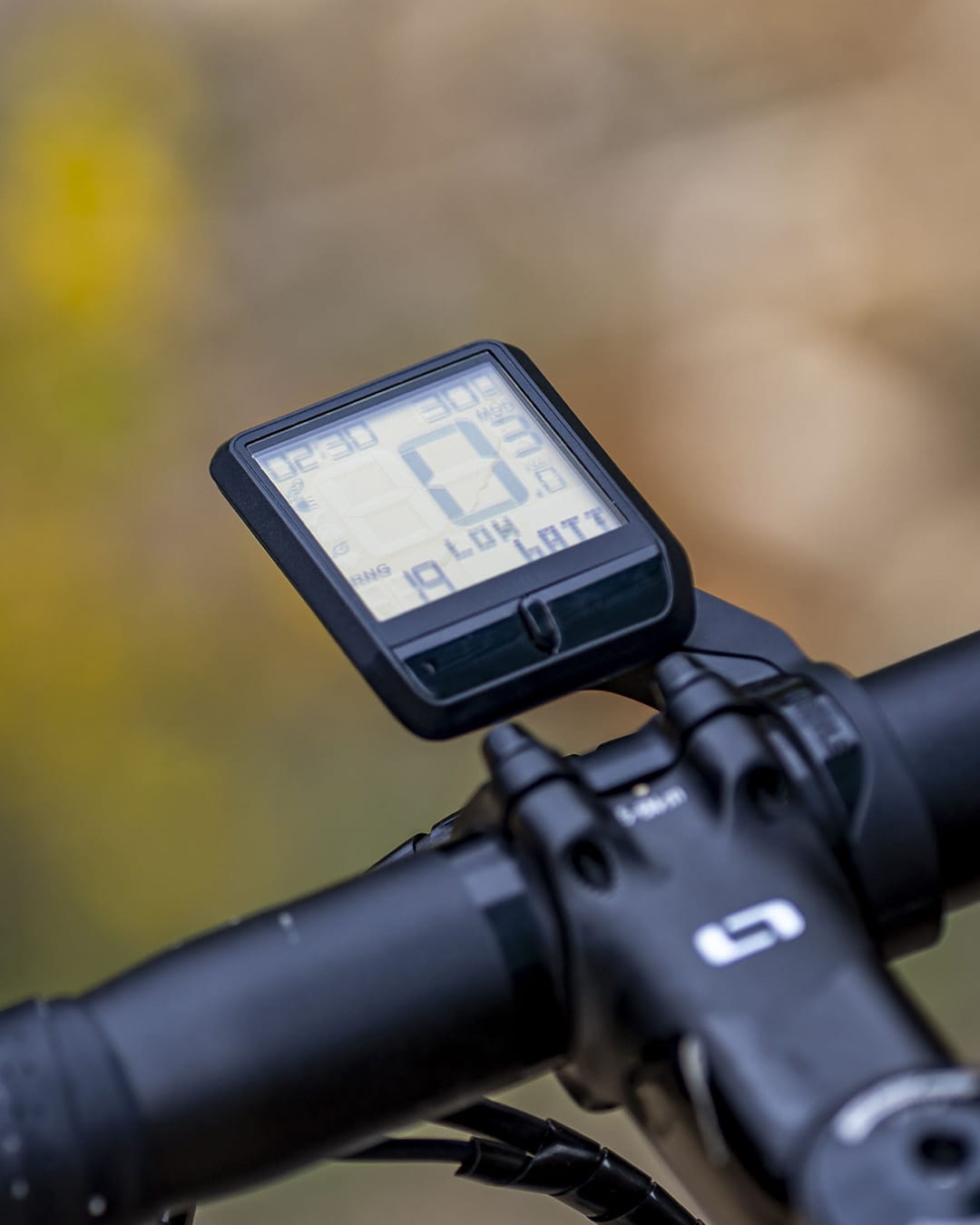
PulsarONE
2. Lighting Modes on MAHLE X Series Systems
Lighting behaviour depends on the configuration chosen by the manufacturer or set by an authorised dealer. Depending on how your eBike is configured, it may support one or more of the following lighting modes
2.1. Automatic Mode
If enabled, the system can use an ambient light sensor to detect surrounding light conditions and switch the lights on or off automatically. Ideal for commuting and mixed environments.
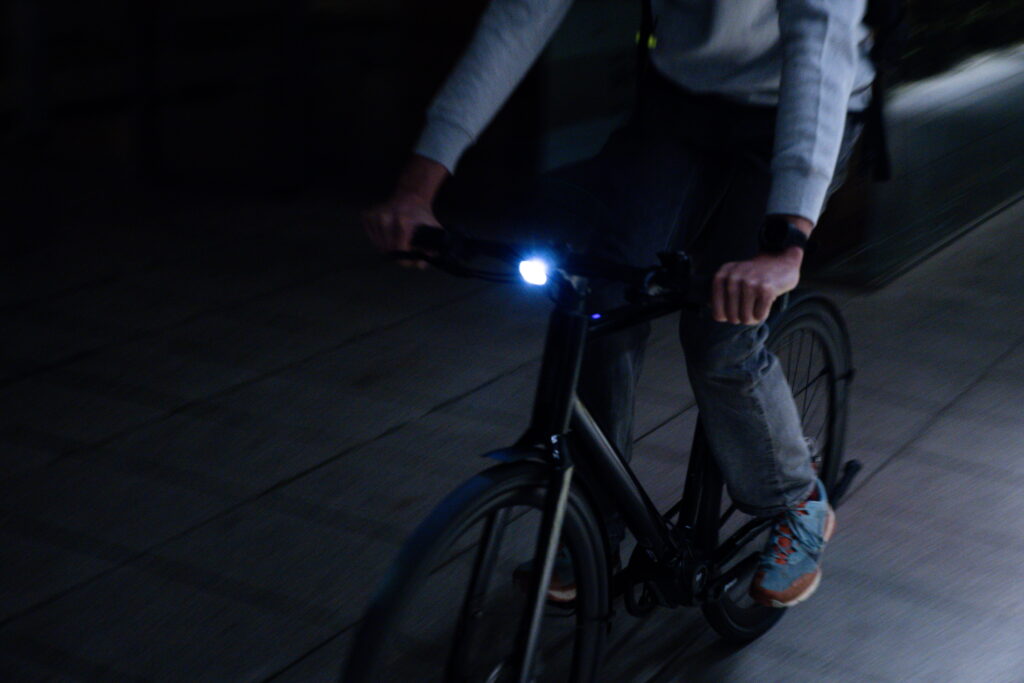
2.2 Always‑On Mode
Lights stay on permanently while the bike is switched on.
Useful in low‑light regions or where constant lighting is required for safety or compliance.
2.3 Manual Mode
The rider can switch the lights on or off via:
- Pulsar ONE display
- ANT+ LEV display
- MAHLE‑compatible eShifters
- Note: Lighting modes are typically configured by the bike manufacturer or can be adjusted by an authorised MAHLE SmartBike Systems dealer.
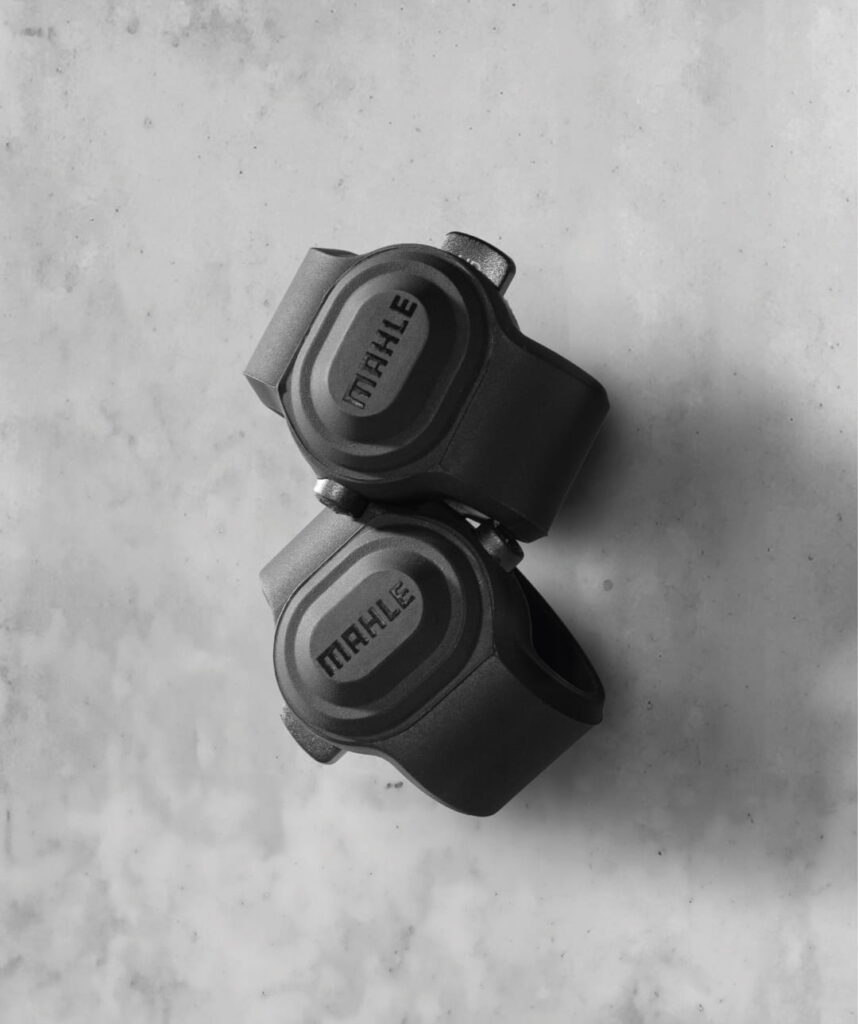
eShifters
3. Switching Lights On and Off Manually
If the bike is set to support manual control:
Switching on
- Press and hold the assigned eShifter button or the Pulsar ONE lighting button.
- A yellow “lights on” animation appears on the LED bar.
- The LED bar returns to showing battery status.
Switching off
- Press and hold the same button again.
- A “lights off” animation appears.
- The LED bar returns to battery level display.
4. Basic Troubleshooting
If your lights are not working as expected, a few quick checks can help
- Check the bike battery is not critically low.
- Confirm the bike is in Manual mode.
- Verify that connectors are attached correctly.
- Ensure the installed lights are MAHLE‑compatible.
- Check if your eBike was originally configured with powered lighting.
If issues persist, contact your authorised dealer.
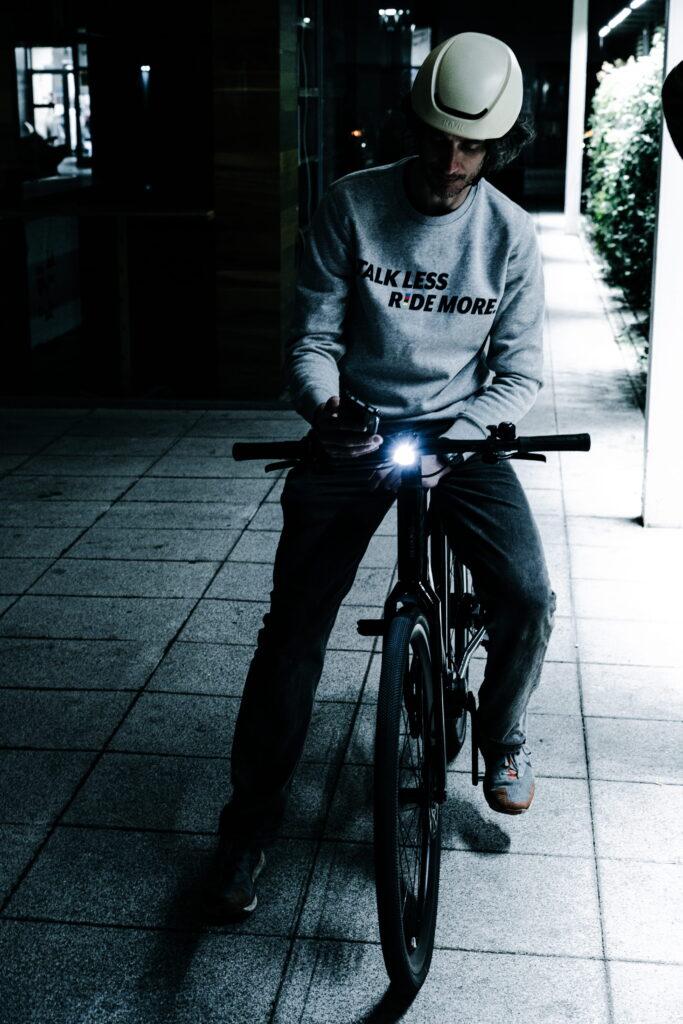
5. Recommended Mode for Each Riding Profile
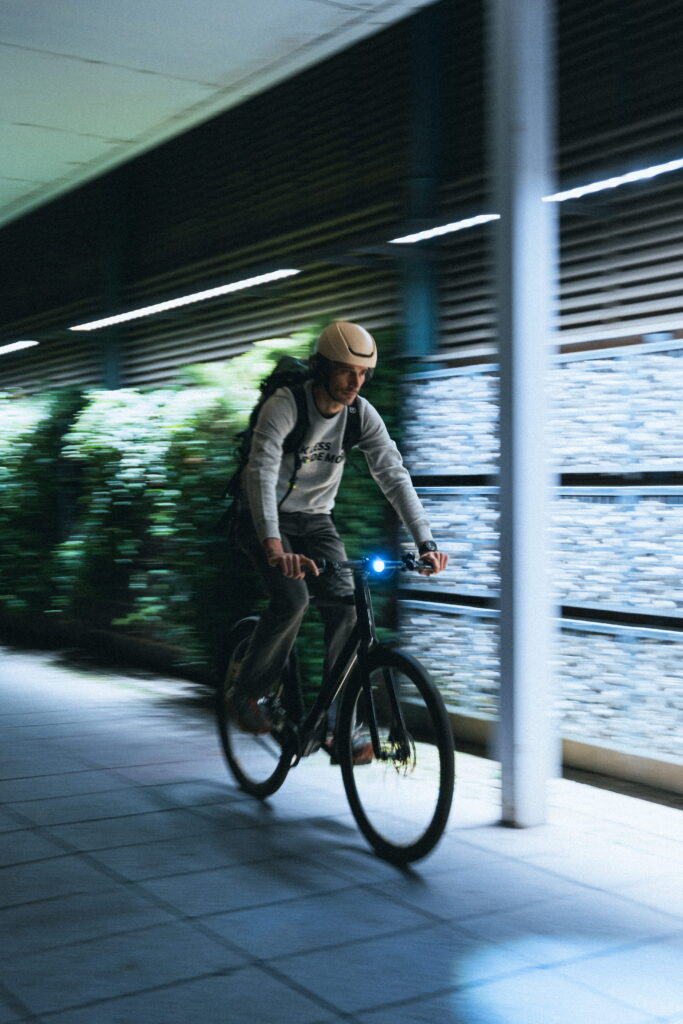
Automatic: This allows you to focus on riding without worrying about switching lights on or off.
Always-on: Ideal if you prefer maximum visibility at all times.
Manual: Gives you direct control based on your riding preferences.
6. FAQs
1. How do I turn the lights on my MAHLE-powered eBike?
To turn the lights on, press and hold the assigned button on your control interface, such as the Pulsar ONE display or compatible eShifters.
If your eBike supports manual control, a “lights on” animation will confirm that the lights have been activated.
2. Where is the light control on an eBike?
The light control is typically located on the handlebar controls or display.
On MAHLE-powered eBikes, it can be accessed through the Pulsar ONE or compatible eShifters, depending on how the bike is configured.
3. Can all MAHLE X Series bikes power lights?
Yes, provided your eBike was configured with lighting support and uses compatible lights and wiring.
4. Can I change the lighting mode myself?
No. Only an authorised MAHLE SmartBike Systems dealer can change the operating mode.
5. How do I know if my bike allows manual control?
If pressing and holding the Pulsar ONE or eShifter button turns lights on/off, the bike is in Manual mode.
6. Why do my lights turn on without me pressing anything?
Your bike is likely in Automatic mode, where the ambient light sensor controls activation.
7. Do lights reduce the eBike’s range?
Only slightly. Lights consume significantly less power than the motor and have minimal impact on overall range.
8. Can I enable manual control if my bike doesn’t support it now?
In many cases, yes. A dealer can check compatibility and configure the system if you have a suitable control interface.
9. What do the “lights on/off” animations mean?
They confirm that the system has executed the command successfully.
10. My lights aren’t working. When should I go to a dealer?
If the lights are compatible but don’t activate, if wiring is uncertain, or if you want to change lighting mode, a dealer visit is recommended.
Conclusion
MAHLE X Series systems offer flexible lighting control through Automatic, Always‑On or Manual operation. With compatible lights and the right control interface, riders can activate lighting easily and benefit from a clean, integrated setup that enhances safety and visibility.
For configuration changes or installation, your authorised MAHLE dealer is the best point of contact.